The Channel Surf icon: a small TV guide with one show highlighted

Your library,
as live TV.

Channel Surf turns your Plex movies and shows into channels you can flip through on Apple TV. No pausing. No skipping. No scrolling for an hour. Just see what’s on.

Coming soon to Apple TV Free for 3 days, then $4.99 once. No subscription.
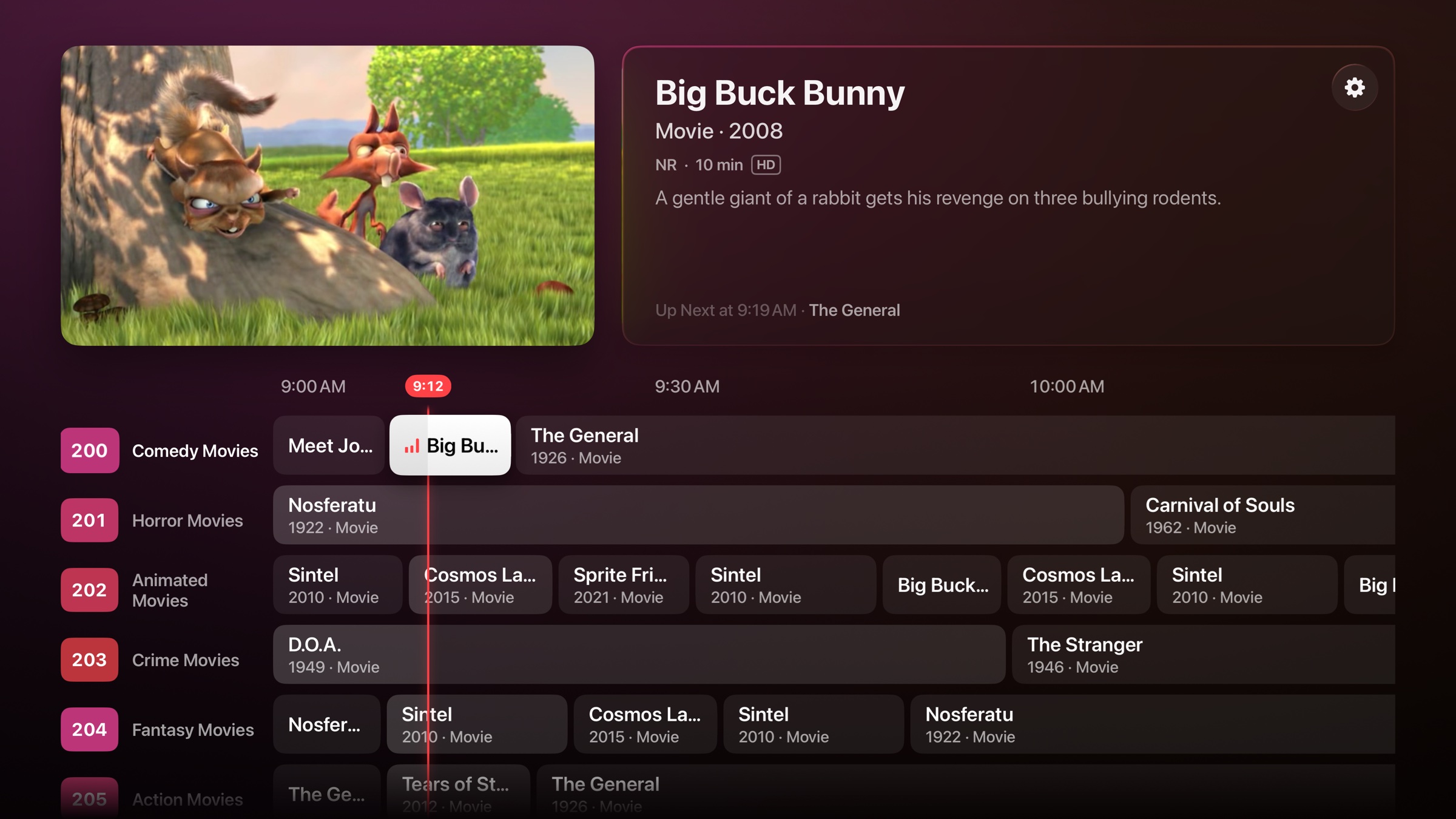
Channel Surf on Apple TV: Big Buck Bunny plays above a TV guide of channels, with the current show highlighted

Shown with the app’s sample channels. Big Buck Bunny © Blender Foundation, CC BY 3.0. Film credits

You own hundreds of movies.
You watch none of them.

A library you have to choose from turns every evening into homework. Channels fix that. Something’s already on, halfway through, and you stay for the rest of it. It’s how you end up rewatching a movie you forgot you loved.

A real TV guide.
Right at home on Apple TV.

What’s on now and what’s coming up, across every channel. Made for the Siri Remote, and built to feel like it came with your Apple TV.

Full-screen TV: Sprite Fright plays with its title, a progress bar and what’s up next

Browse while you watch.

Move through the guide without changing what’s playing. Details for whatever you highlight appear beside the picture.

Swipe channel by channel.

Every swipe lands on the next channel. Press select to tune in, or go full screen and flip with up and down.

Live means live.

You join every show where it is right now. There’s no scrubbing, and when something ends, the next one starts on schedule.

Channels for everything.
Zero setup.

Channel Surf reads your library and builds the lineup for you, numbered in blocks like a satellite guide. Sign in and it’s done.

2Comedy 3Drama 5Sci-Fi 990s TV 50Your networks 100Show marathons, 24/7 200Action Movies 204Thriller Movies 210Western Movies 25280s Movies 270Studios 300Your favorite directors 400Your favorite actors 500Every collection, back to back

TV channels, shuffled.

Comedy, drama, whole decades and all-day marathons of your favorite shows, with no show airing twice in a row.

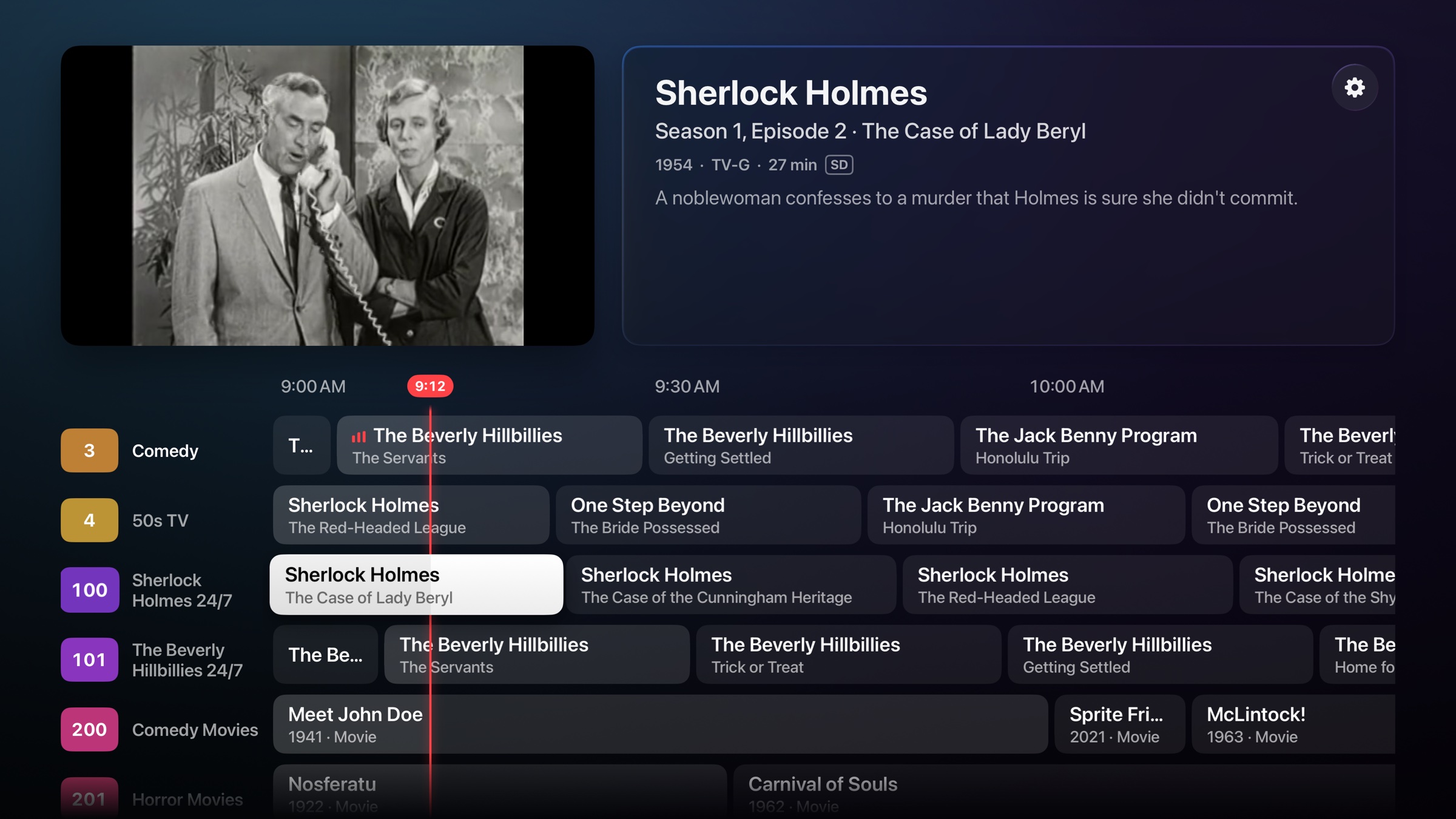
The guide with TV channels, including a Sherlock Holmes marathon, and The Beverly Hillbillies playing

Movie channels, like the premium ones.

Every genre and every decade gets its own movie-only channel, playing around the clock.

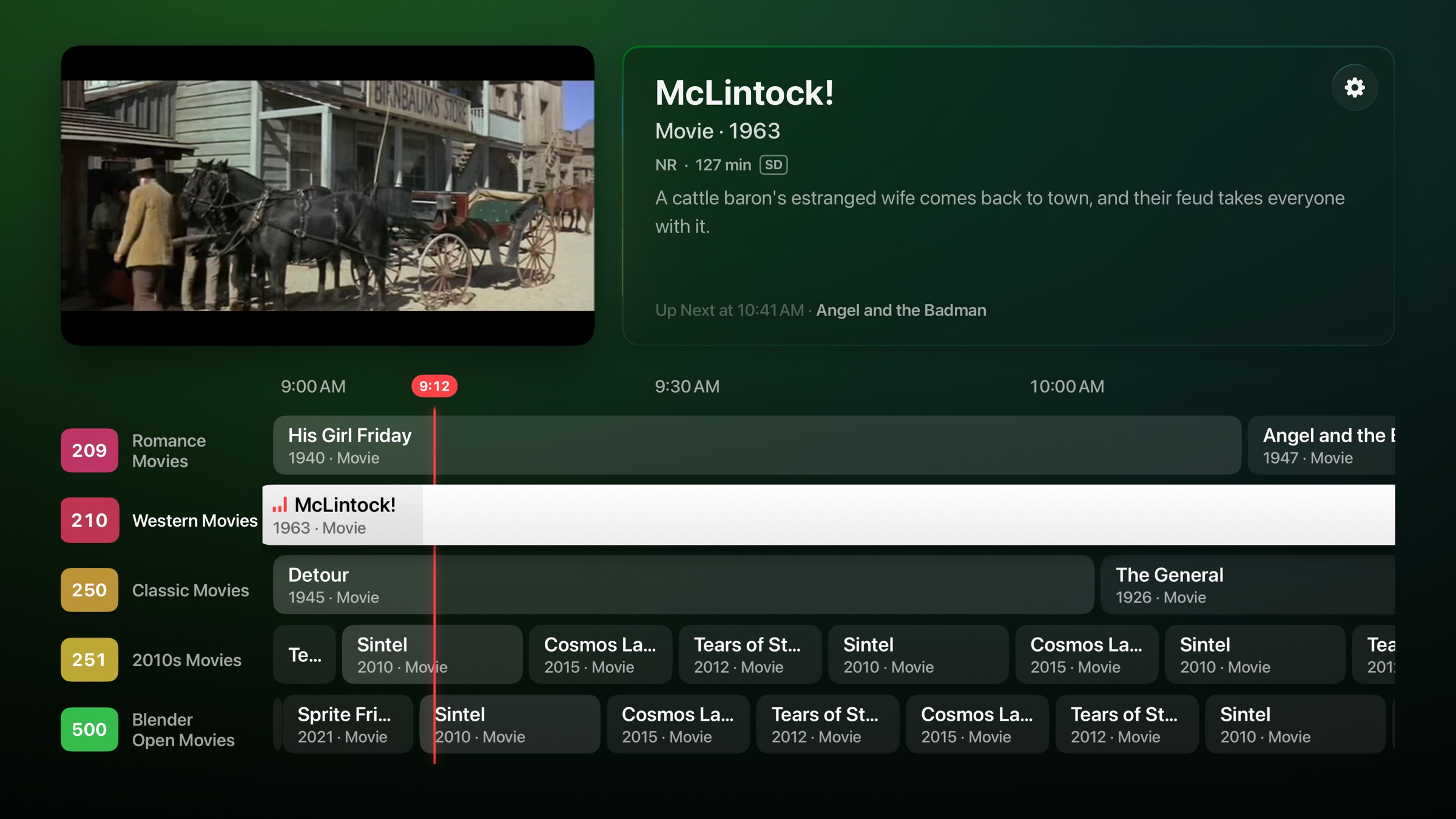
The guide with movie channels, and McLintock! playing on Western Movies

As many channels as you want.

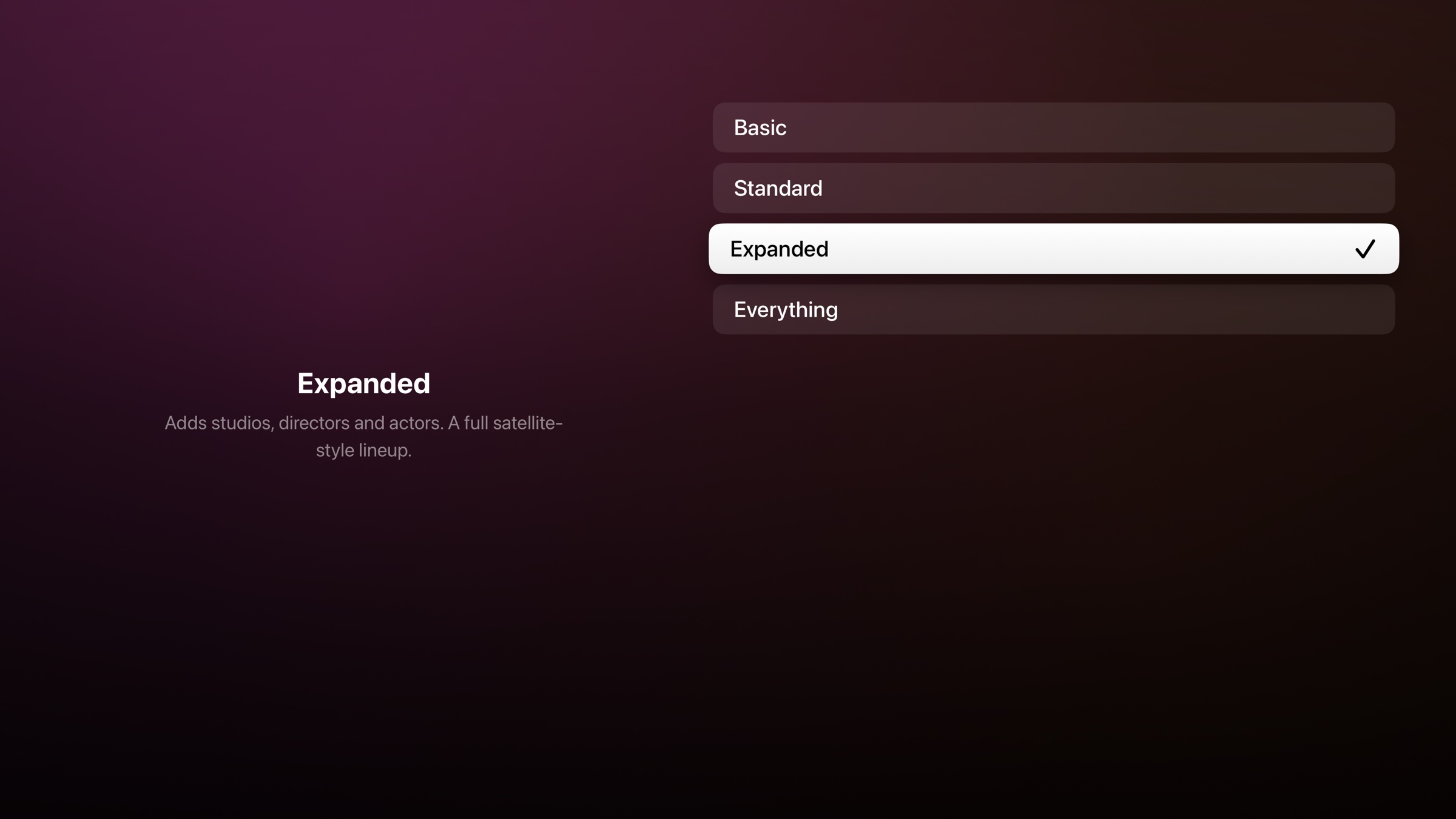
Pick Basic for a handful of big genres, or Everything for a channel for anything with enough to fill it. Turn off any you don’t need.

The Lineup Size setting: Basic, Standard, Expanded and Everything

Never the same night twice.

Schedules are shuffled across your whole library, so you keep finding things you forgot you had.

No back-to-back repeats.

A show never airs twice in a row, and you choose how long before it can come back around.

New stuff stays yours.

Recent additions stay off the channels for a while, so you can watch them on purpose. You set how long.

Random, or in order.

Land on any episode, or have each show pick up where it left off. Reshuffle every channel whenever you like.

Your library stays yours.

Channel Surf has no account, no analytics and no ads, and it collects nothing. It talks to Plex to sign you in, to your own server to play video, and to the App Store for your purchase. Read the privacy policy.

Try every channel free for 3 days.

$4.99. Once.

One purchase, and it’s yours. No subscription, and no features held back.

What do I need?

An Apple TV running tvOS 26 or later, and a Plex Media Server with your movies and shows on it. A free Plex account is enough to sign in.

Can I try it without a Plex server?

Yes. Choose Try Sample Channels on the sign-in screen to surf a small lineup of classic and open-licensed films.

Can I pause or rewind?

No, on purpose. It’s live TV: if you don’t like what’s on, change the channel.

Does it change anything on my server?

It doesn’t change or delete your media. The one thing it saves is your subtitle choice for a video, the same way Plex’s own apps do.

Is this made by Plex?

No. Channel Surf is an independent app that works with Plex Media Server. It isn’t affiliated with or endorsed by Plex, Inc.